Nothing is more frustrating than checking your iPhone settings and seeing your Battery Health capacity drop to 89%. Most users think it’s just “old age,” but the truth is, your daily charging habits are likely killing your battery. From extreme temperatures to using the wrong cables, you might be causing permanent damage without even knowing it.
In this guide, we’ll reveal the 5 essential tips to keep your battery at 100% for longer and the specific gear that makes it possible.
1. Stop Using Cheap “Gas Station” Cables
The easiest way to ruin an iPhone battery is by using non-certified cables. Cheap cables have unstable voltage that overheats the battery chip. Always look for MFi (Made for iPhone) certified gear.
- Top Recommendation: Anker 541 USB-C to Lightning Cable (MFi Certified)
2. Avoid the “100% Overnight” Trap
Leaving your phone plugged in all night at 100% creates heat stress. While iOS has “Optimized Battery Charging,” using a dedicated Qi2 charging stand that manages heat better is a game changer.
- Top Recommendation: Belkin BoostCharge Pro MagSafe Stand
3. Keep It Cool While Charging
Heat is the #1 enemy of lithium-ion batteries. If you charge your phone while gaming or using GPS in the car, you need a charger with active cooling or high-grade thermal dissipation.
- Check this out: ESR MagSafe Car Charger with CryoBoost (Cooling Fan)
4. The 20-80 Rule
For maximum longevity, try to keep your battery between 20% and 80%. If you’re constantly letting it hit 0%, you’re wearing out the chemical cycles. A small MagSafe “emergency” battery can help you stay in the safe zone without overcharging.
5. Use Original or High-Quality Wall Plugs
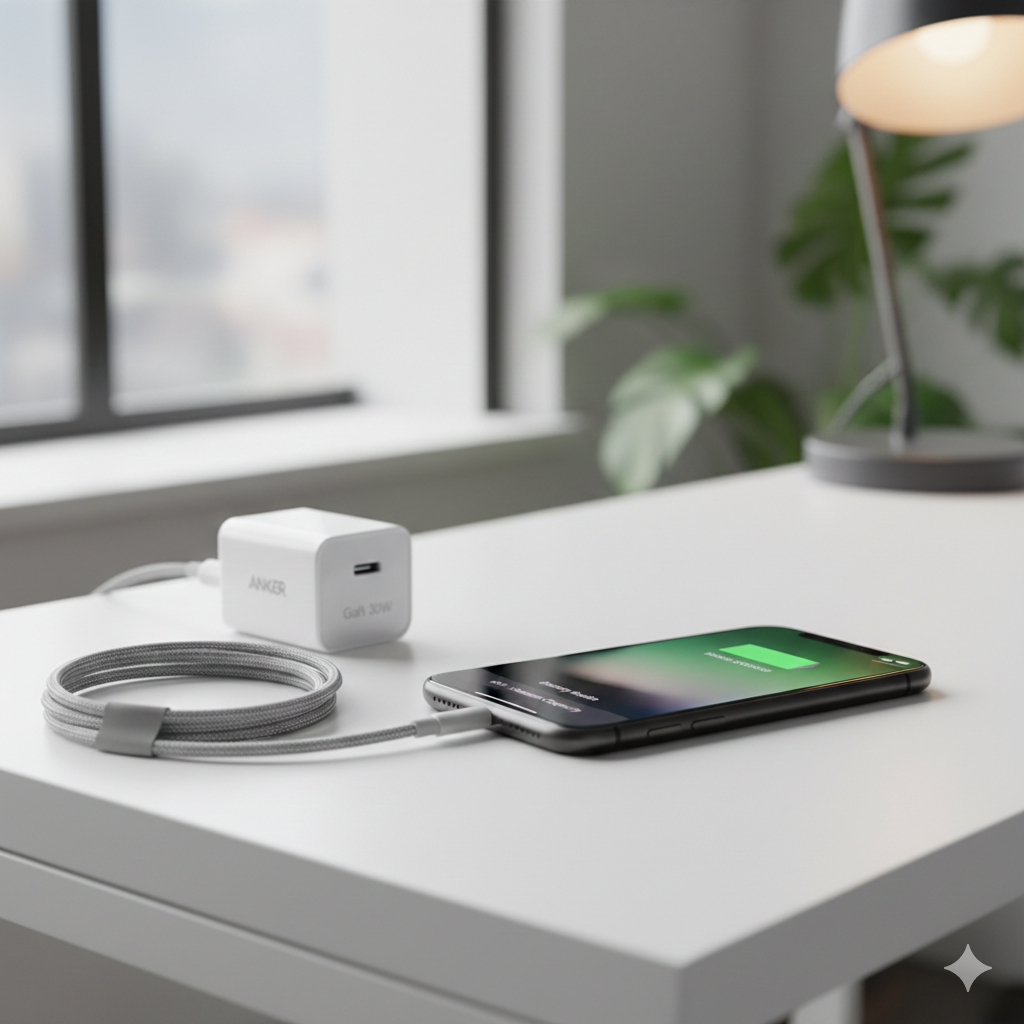
Fast charging is great, but only if the plug can regulate the power correctly. A GaN (Gallium Nitride) charger is smaller, faster, and runs much cooler than standard Apple plugs.
- Top Recommendation: Anker 711 Nano II 30W Fast Charger
Your iPhone battery is a consumable part, but it doesn’t have to die fast. By using MFi-certified accessories and avoiding extreme heat, you can keep your device running like new for years.