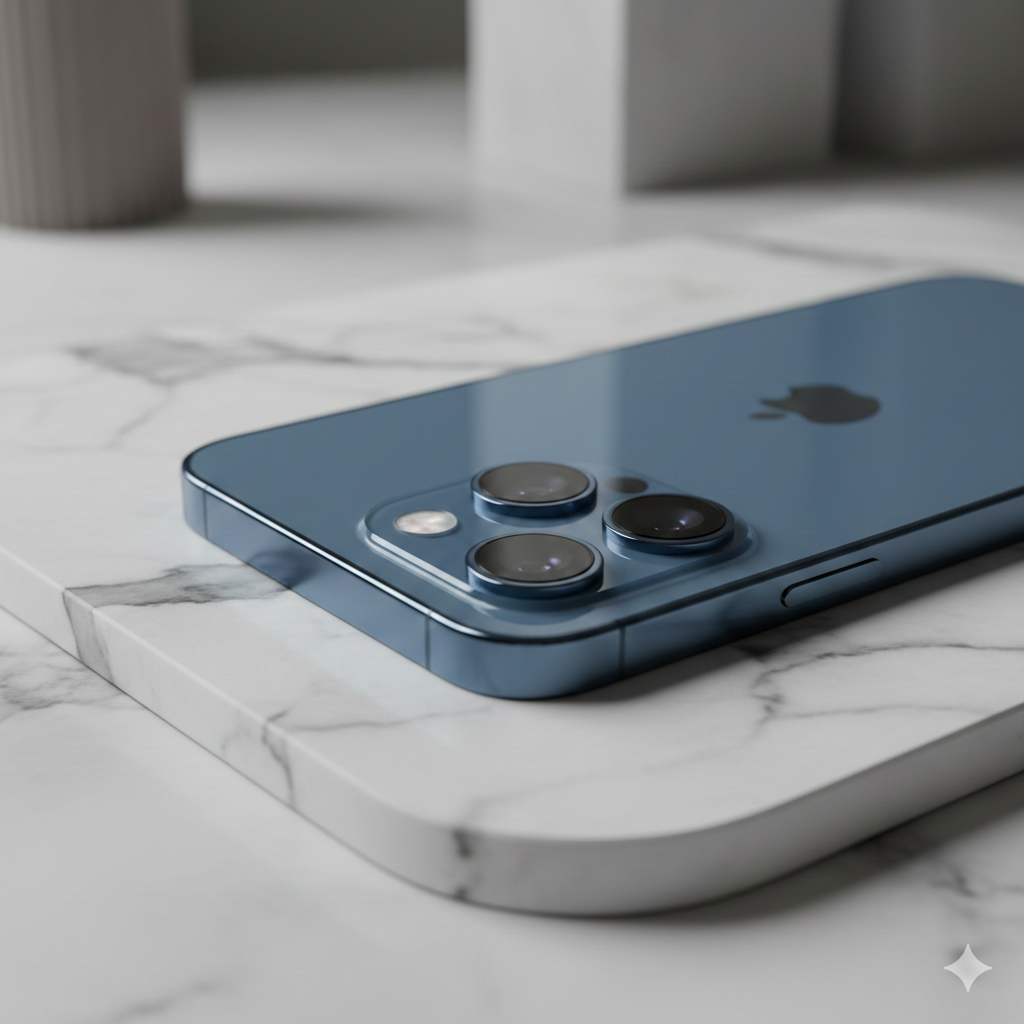
The iPhone 17 Pro is more than just a smartphone—it’s a pocket-sized supercomputer. With the new A19 chip and enhanced USB-C capabilities, you are holding a beast of a machine. However, most users barely scratch the surface of what this device can actually do.
If you want to stop using your iPhone like a basic phone and start using it like a pro, these 5 hacks and upgrades will change your experience forever.
1. Master Your Battery Longevity
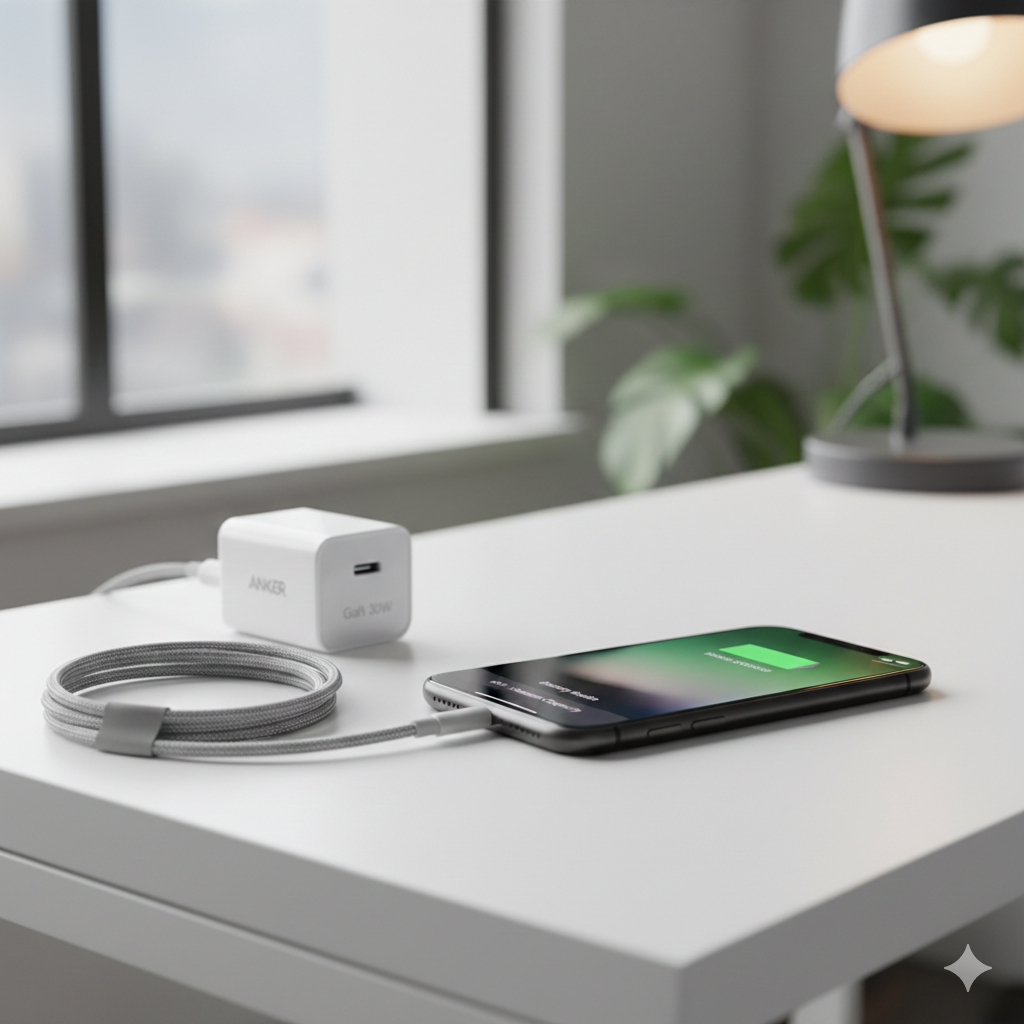
The iPhone 17 features a highly efficient display, but heat is still the enemy of any battery. To ensure your device stays at 100% health for years, you need to change how you charge.
- The Pro Tip: Go to Settings > Battery > Charging and set the 80% Limit. This prevents the battery from sitting at a high voltage, which extends its lifespan significantly.
- The Upgrade: Always use a certified GaN (Gallium Nitride) charger. They provide more power with less heat.
- Link: Check Certified USB-C Fast Chargers on Amazon
2. Turn the Action Button into a Productivity Hub
The Action Button is often wasted on the “Silent” mode. On the iPhone 17, this button is your shortcut to efficiency.
- The Pro Tip: Use the Shortcuts App to assign a “Folder” to the button. Instead of one action, a single press can now open a menu to toggle your Smart Home lights, start a Voice Memo, or open your favorite Work app instantly.
3. Unlock Professional 4K Video Recording
Did you know the iPhone 17 can record cinema-grade ProRes video? The only problem is that one minute of footage can take up several gigabytes.
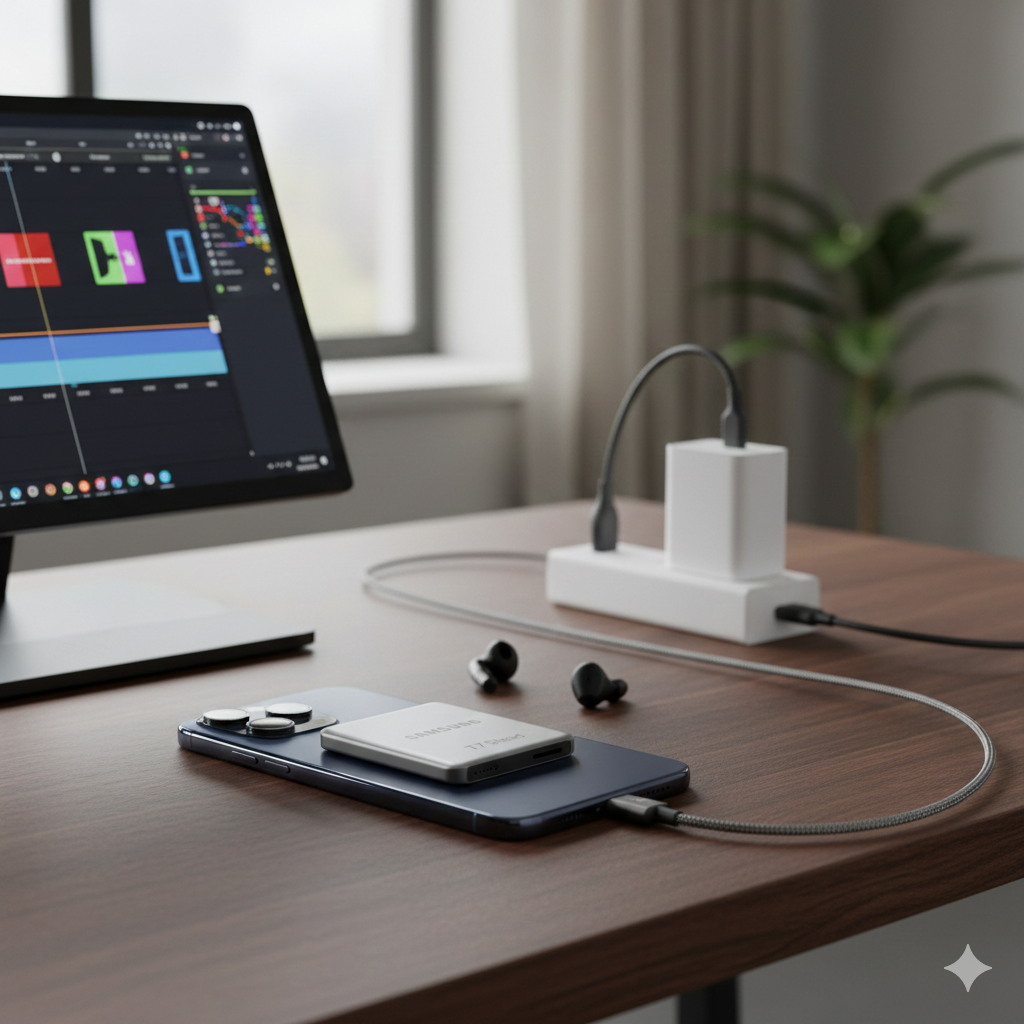
- The Pro Tip: You don’t need to buy the 1TB iPhone model. Use the USB-C port to record directly to an external drive.
- The Upgrade: A MagSafe-compatible SSD is the perfect companion for creators who don’t want to run out of space mid-shoot.
- Link: Top Rated Portable SSDs for iPhone 17
4. Optimize the Always-On Display for Focus
The Always-On display is beautiful, but it can be distracting during work or sleep.
- The Pro Tip: Link your Focus Modes to your Lock Screen. You can set it so that when “Work Mode” is on, the wallpaper disappears and only essential widgets remain. This saves battery and keeps you focused on the task at hand.
5. Transform Your iPhone into a Desktop Computer
The A19 chip is faster than many laptops. With a simple cable, you can turn your phone into a workstation.
- The Pro Tip: Use a USB-C to HDMI cable to connect your iPhone 17 to any monitor. It’s perfect for watching Netflix in a hotel, giving a presentation, or even playing AAA games on a big screen.
- The Upgrade: To truly unlock this, a portable monitor is the ultimate “High Ticket” item for any power user.
- Link: Check ASUS ZenScreen Portable Monitors on Amazon
The Bottom Line
The era of “just a phone” is over. Whether it’s protecting your battery or expanding your storage with an SSD, these small changes will make your iPhone 17 feel like a completely different—and much more powerful—device.